
Stronghold 4 Demo Crashing: Fixes That Work
Quick answer
Update your graphics card driver, then launch the demo with the DirectX 11 option — that is Firefly Studios' own fix for the Stronghold 4 demo crashing while loading, when loading into a level, or when you click Free Build. The demo runs on Unreal Engine 5 and defaults to DirectX 12, and the DirectX 11 switch is the confirmed workaround.
| Firefly's crash fix | Update GPU drivers, then launch with the DirectX 11 optionStronghold 4 crashed! What should i do? - Firefly Studios support |
|---|---|
| Minimum GPU | NVIDIA GeForce GTX 1060 (3 GB); RTX 2060 (6 GB) recommendedStronghold 4 on Steam |
| Minimum RAM | 16 GBStronghold 4 on Steam |
| Full game release | December 7, 2026, announced by Firefly StudiosStronghold 4 on Steam |
Fix the Stronghold 4 demo crashing on load or in Free Build by updating your GPU driver and switching to DirectX 11, plus specs and reporting steps.
Table of Contents
Update your graphics card driver, then launch the demo with the DirectX 11 option — that is Firefly Studios' own fix for the Stronghold 4 demo crashing while loading, when loading into a level, or when you click Free Build. The demo runs on Unreal Engine 5 and defaults to DirectX 12, and the DirectX 11 switch is the confirmed workaround.
How to switch to DirectX 11
Update your GPU driver
Install the latest driver for your NVIDIA or AMD card before anything else. Firefly lists this as the first step in its crash FAQ.
Pick DirectX 11 at startup
Launch the demo and choose the DirectX 11 option in the popup window that appears when the game starts.
No popup? Use Steam launch options
Open your Steam Library, right-click Stronghold 4 Demo, choose Properties, and under General set your preferred option from the Launch Options dropdown.
If it still crashes, report it
When the demo closes, the Crash Reporter appears. Describe what you were doing at the time of the crash in the text box — Firefly says this is especially useful. It automatically sends a minidump, crash log, callstack, hardware specs, driver versions, Windows build, game version, and playtime.
Other things to check
- System requirements: 16 GB RAM and Windows 10 or 11 (64-bit) are required at minimum, alongside 33 GB of storage on the official Steam page.
- Known crash pattern: players in the Steam discussions report a "LowLevelFatalError" crash in the UE-Stronghold4 process; one player says it happened for them when losing a defend scenario, while completing the same scenario ran fine — that is a player account, not a confirmed fix.
- It is a test build: Firefly states the demo is still in development and asks players to submit the in-demo feedback form, so some crashes simply await a patch. The full game launches December 7, 2026.
FAQ
Why does the Stronghold 4 demo keep crashing?
For crashes while loading or entering Free Build, Firefly's guidance is to update your graphics driver, then start with the DirectX 11 option from the startup window or Steam's Launch Options dropdown. Crashes that survive that are best reported through the Crash Reporter.
How do I fix "Out of video memory" in the demo?
Confirm your graphics card has at least 3 GB of dedicated memory (the Steam page's minimum), update the driver, and try the DirectX 11 launch option.
What if I never see the DirectX version popup?
Firefly's FAQ covers this: right-click Stronghold 4 Demo in your Steam Library, open Properties, and set the version under General in the Launch Options dropdown.
Checked November 2, 2026 against Firefly's support FAQ, the official Steam page, the SH4 Tools demo-problems page, and the Steam discussions. The DirectX 11 fix and Crash Reporter behavior are confirmed from Firefly; the defend-scenario crash pattern comes from one player and remains unconfirmed, as do fixes for Mac, Linux, and Steam Deck crashes.
Related guides for this game
Compatibility Guides Index
Stronghold 4 Combat System: How Battles Work (2026)
The Stronghold 4 combat system explained: army composition, towers, moats, traps, siege weapons and weather, so you can defend your castle and win sieges.
Guide Guides Index
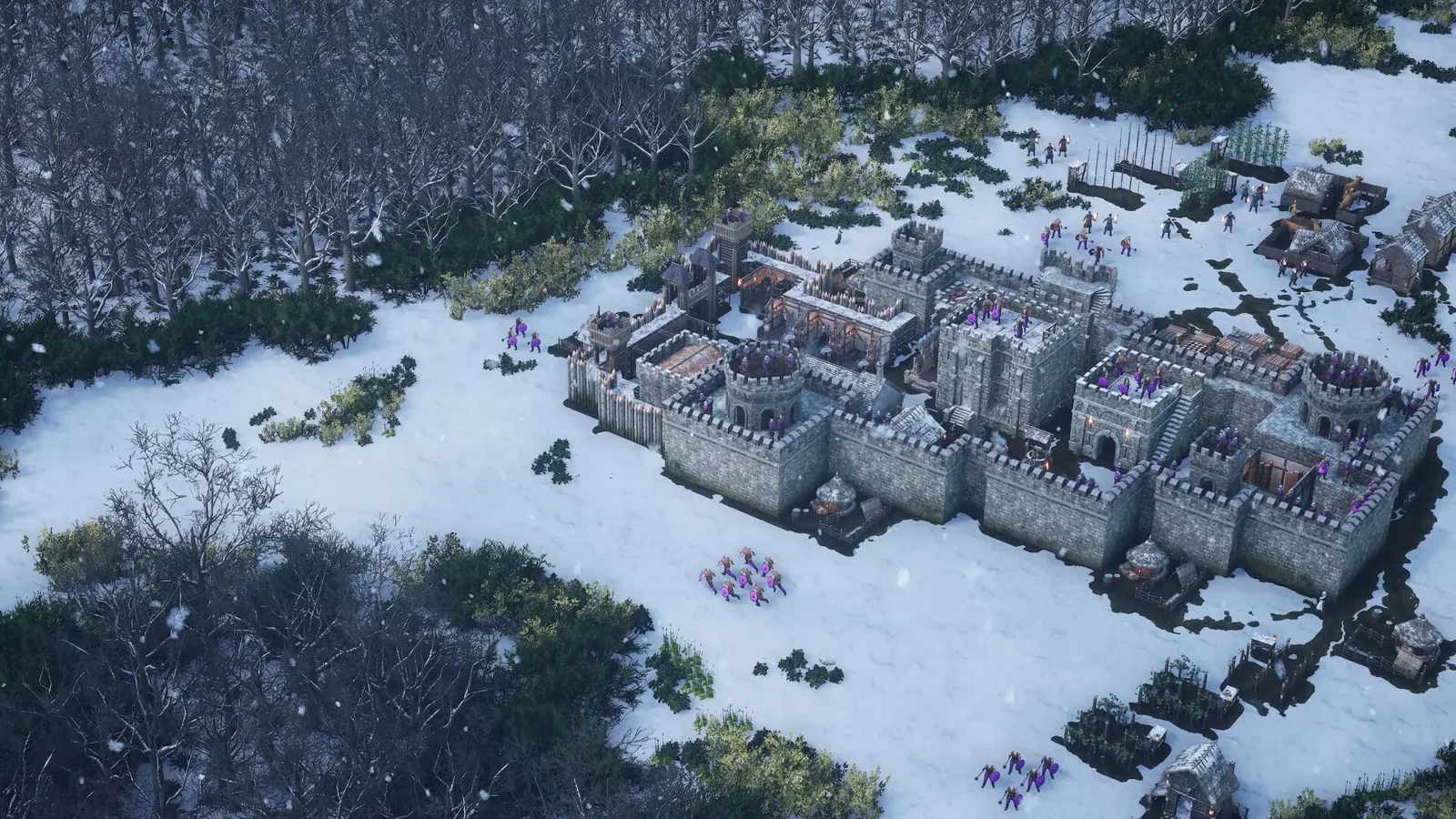
Stronghold 4 Beginner Guide: First Steps and Demo Start
This Stronghold 4 beginner guide walks new players through the free demo, first economy buildings, taxes, defense basics and the modes worth learning first.
Stronghold 4 Demo Walkthrough: Free Build & Skirmish
A Stronghold 4 demo walkthrough covering setup, Free Build progression and the Skirmish mode added on October 19, 2026, step by step.
Stronghold 4 First Look: Demo Impressions and Gameplay
A Stronghold 4 first look at the Steam demo: what early players say about the economy mission, siege defense, honour ranks, performance and demo modes.
Release Guides Index
Stronghold 4 Demo: Availability and Included Content
The Stronghold 4 demo is live on Steam. See how to get it, which modes it includes, and what changed in the October Skirmish and Free Build updates.
Reviews Guides Index
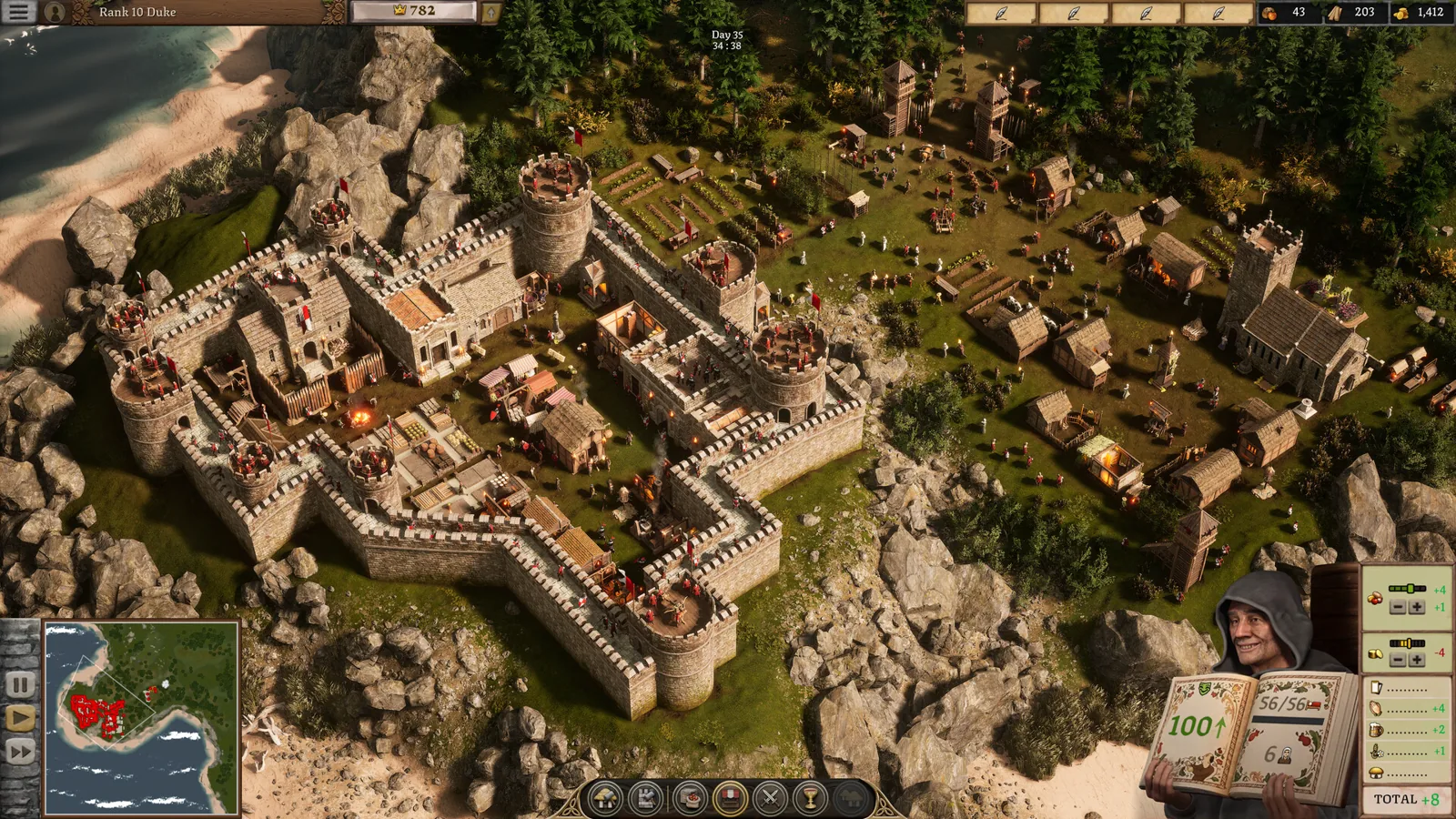
Stronghold 4 review verdict: worth playing the demo?
Stronghold 4 review impressions praise the siege sandbox and atmosphere but flag AI, wall placement and performance; try the free demo before Early Access.